
Colorizing: Online Coloring Puzzle
What players say
Colorizing succeeds at what it sets out to do: provide a calm, browser-based coloring activity with no downloads and no pressure. The design range—from simple patterns to detailed images—gives beginners a comfortable entry point while offering more intricate work for patient colorists. The main limitation is the absence of goals, scoring, or progression beyond choosing harder designs. That makes it a poor fit for players who need objectives, but an excellent fit for anyone seeking a quiet, creative way to unwind on any device.
About
A Calm, Timer-Free Coloring Experience
Colorizing is a browser-based coloring puzzle built around a simple loop: pick a design, select colors from a palette, and fill the areas you want. There are no timers, scores, or failure states. The game is designed for stress-free artistic expression, so you can stop and resume whenever you like. Because it runs in a browser without downloads, the same experience is available on a phone, tablet, or computer.
Controls and Interaction
Interaction is direct and minimal. You tap or drag across any area you want to color, using either a mouse or a finger. The color palette stays available, so switching shades mid-design takes only a moment. Controls are described as smooth and responsive, which matters when filling detailed images where precision helps. There is no tutorial gate—the interface is meant to be understood immediately, so you can start coloring as soon as a design loads.
Design Variety and Progression
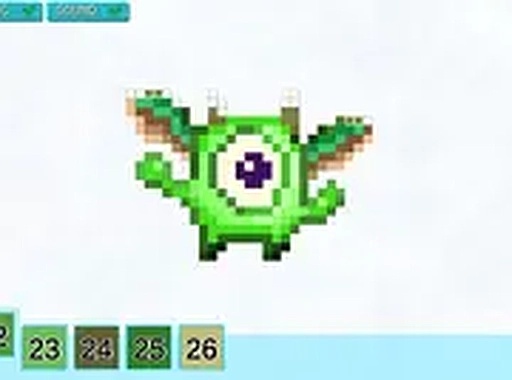
The available designs range from simple patterns to more detailed images. That range serves two purposes: beginners can start with open, forgiving shapes, while pixel art fans and more patient colorists can choose intricate designs that reward careful color placement. Because the game does not track progress in a traditional sense, the variety itself is the progression—you move to more complex images when you feel ready, not when a level unlocks.
Who It Suits and How to Get the Most From It
Colorizing fits anyone looking for a low-pressure creative break, including people who do not usually play games. If a design feels overwhelming, starting with a simpler pattern builds familiarity with the palette and fill behavior. Full screen mode reduces visual distractions, which helps on smaller screens. Experimenting with unexpected color combinations is part of the appeal; there is no correct palette, so the main skill you develop is your own eye for color harmony and detail.
Compatibility
FAQ
Comments
Sign in to comment
You must be logged in before posting a review or rating.
No comments yet. Be the first to comment!






Editorial Notes