
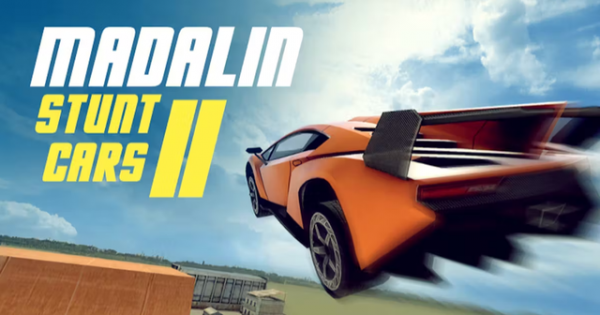
Highway Stunt Drivers Online
What players say
Highway Stunt Drivers Online targets players who want open-world driving without simulation-level pressure. The mix of realistic physics and arcade stunts supports both careful drifting and exaggerated maneuvers. Three maps and over 30 supercars give variety, while multiplayer turns it into a social space for racing or exploring. The main limitation is that the source does not detail progression, objectives, or platform support, so players seeking structured goals should verify those aspects before committing.
About
Open-World Driving and Stunt Design
Highway Stunt Drivers Online places players in a large open world with three distinct maps. Each map contains ramps, loops, and obstacles designed for creative driving maneuvers. The environments range from city streets to scenic routes, giving players different backdrops for exploration and stunt attempts. Because the maps are open rather than linear, players can choose their own paths and experiment with how vehicles interact with the terrain.
Vehicle Handling and Car Selection
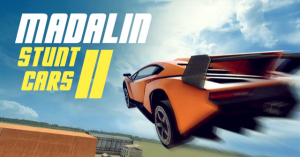
The game offers more than 30 supercars, each with unique handling characteristics. Realistic driving physics govern acceleration, steering, and drifting, while arcade-style stunt elements allow for exaggerated maneuvers without real-world risk. This combination means players can practice controlled slides and high-speed cornering, then transition into jumps and loops. Vehicle colors can be customized, and camera angles and control settings are adjustable to suit individual preferences.
Multiplayer and Shared Sessions
Multiplayer mode lets friends join the same session, turning the game into a social activity for car enthusiasts. Within a shared world, players can drive freely, race against others, or explore together. The open structure supports both cooperative stunt sessions and informal competitions. Communication with friends helps coordinate races or group stunts, though the game itself does not require it to function.
Controls and Practical Driving Tips
Standard keyboard inputs handle vehicle control: arrow keys or WASD for acceleration, braking, and steering, with the spacebar used for precise stopping or initiating drifts. To improve driving, practice drifting around corners to maintain speed. Learning each map's layout helps identify the best routes for stunts and shortcuts. Experimenting with different cars reveals which handling style matches your approach, and regular practice smooths control inputs over time.
Compatibility
FAQ
Comments
Sign in to comment
You must be logged in before posting a review or rating.
No comments yet. Be the first to comment!





Editorial Notes