
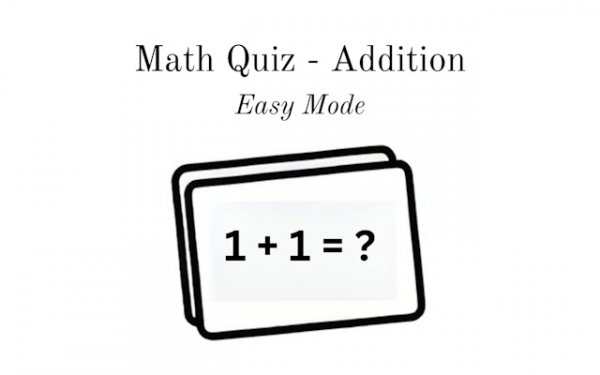
Sum Mastery Challenge
What players say
Sum Mastery Challenge does one thing and does it plainly: it drills addition through multiple-choice questions with instant feedback. The adaptive difficulty and gradual introduction of carrying give it a sensible learning curve, while the absence of animations and sounds makes it usable for distractible players. The main limitation is narrow scope—it covers addition only, so anyone seeking broader arithmetic practice will need other tools. It best suits young learners or adults rebuilding basic math fluency.
About
Question-and-Answer Core
Every round of Sum Mastery Challenge presents a single addition problem with several possible answers on screen. The player selects one option, and the game immediately confirms whether it is correct. That short loop—question, choice, feedback—keeps the session moving and lets players recognize mistakes right away rather than after a long delay. Because each problem stands alone, there is no penalty for pausing to think, and no time pressure is introduced by the format itself.
How Difficulty Climbs
The game opens with basic sums such as 2+3 and then introduces larger numbers and problems that require carrying. This progression is structured so that players practice foundational facts before meeting multi-digit calculations. The pace adapts to performance, meaning the challenge level responds to how well the player is doing. That design keeps the experience from becoming either boringly easy or discouragingly hard, which matters for learners who need steady reinforcement.
A Deliberately Quiet Interface
Visual clutter is kept to a minimum. There are no animations, sounds, or extra elements competing for attention. For younger learners or anyone who struggles with concentration, this stripped-down layout removes common sources of distraction. Players can work through problems without feeling rushed, and the absence of decorative feedback means the only thing to focus on is the arithmetic itself.
Practice Across Devices
Sum Mastery Challenge runs on phones, tablets, and computers. The multiple-choice format means no typing is required, so it works naturally on touchscreens. That flexibility makes it easy to fit a few problems into spare minutes at home or while out. Progress tracking is part of the design, though the specific scoring details are not described in the available information.
Compatibility
FAQ
Comments
Sign in to comment
You must be logged in before posting a review or rating.
No comments yet. Be the first to comment!




Editorial Notes