
Group Style Coordinator
What players say
Group Style Coordinator stands out from typical dress-up games by asking you to style four athletes as one cohesive unit. The real challenge is managing different body types, postures, and color palettes across the group. Background swapping adds a layer of environmental awareness, since lighting affects how outfits read. The lack of leaderboards or social feeds keeps the experience private and pressure-free. It suits players who enjoy thoughtful coordination over competitive scoring.
About
Coordinating a Four-Person Squad
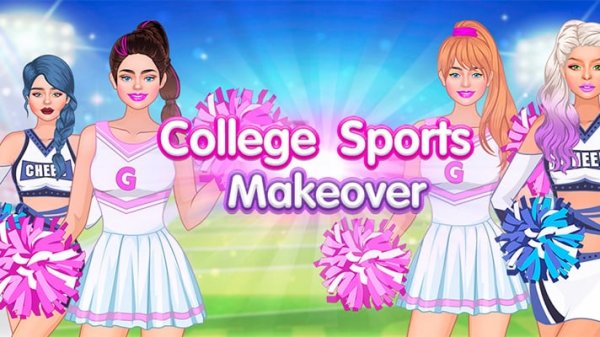
Most dress-up games focus on a single character. Group Style Coordinator asks you to style four athletes at once, treating them as one visual unit. The central tension is balancing individual expression with a shared aesthetic. Because each athlete has a different body type and posture, an outfit that flatters one figure may need adjustment on another. You manage color palettes, fabric textures, and accessory placement across the whole group, not just one model.
Customization Before Clothing
Before selecting any outfit, you modify each athlete's base appearance. Skin color can be set across a wide range of natural tones, supporting diverse representation. Hairstyles vary from short and sporty to longer, flowing options, with multiple colors available. Accessories such as hats, watches, and bags add personality without overwhelming the group look. A scrollable menu shows changes in real time on the character model, so you can compare options quickly.
Backgrounds That Change the Read
The environment behind your group affects how outfits appear. You can swap backgrounds with a single click, choosing from settings like a sunny park or a modern gymnasium. Each background carries its own lighting and color scheme. A bright outdoor scene might wash out pastel colors, while a darker indoor setting can make bold patterns stand out. Experimenting with backgrounds helps you find the one that best highlights your team's coordinated style.
Capturing Your Work
Once the group is styled and the background is set, a camera tool takes a screenshot of your creation. You can save the image locally or share it through standard device sharing options. A simple framing guide helps position the group centrally. There is no in-game social network or leaderboard, so sharing is voluntary and private. This design keeps the focus on creative exploration rather than competition.
Platform and Accessibility
Group Style Coordinator runs in both desktop and mobile browsers, with touch controls for tablets and phones. Large buttons and clear labels make the interface approachable for younger players or anyone unfamiliar with complex menus. Loading times are minimal, and no download or installation is required. As long as you have an internet connection, you can continue on any device.
Compatibility
FAQ
Comments
Sign in to comment
You must be logged in before posting a review or rating.
No comments yet. Be the first to comment!

Editorial Notes